


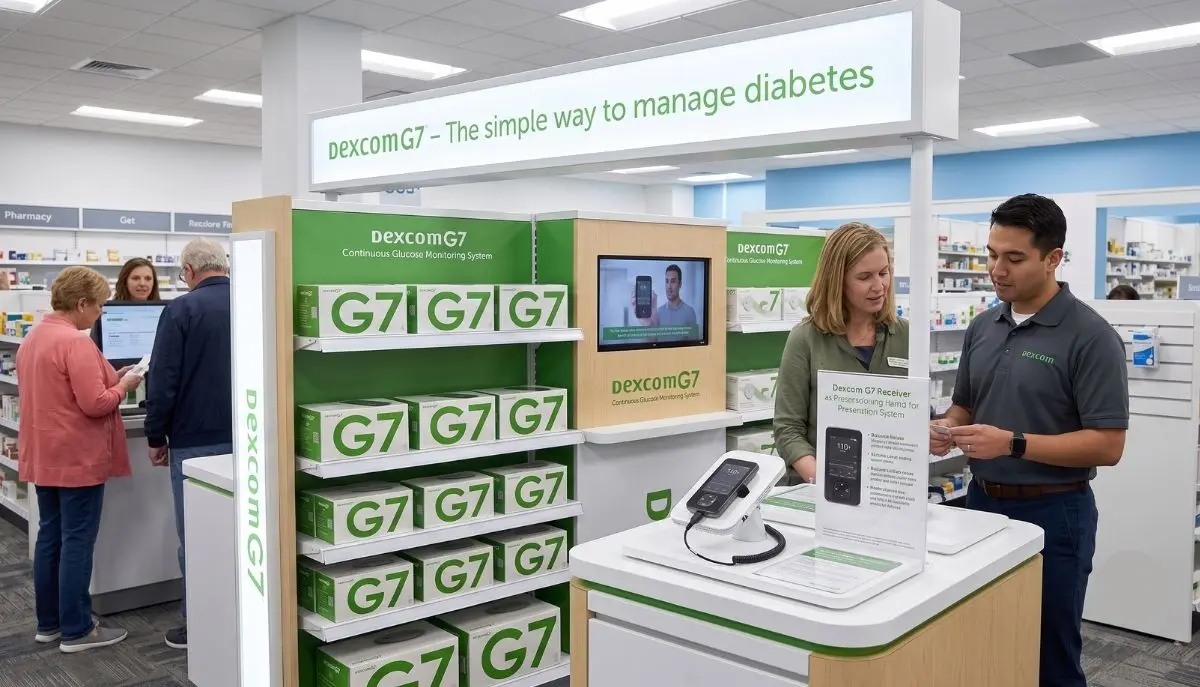
If you are searching for “dexcom g7 receiver near me,” you are probably looking for a convenient way to view your glucose readings without depending entirely on a smartphone. For many people using continuous glucose monitoring (CGM), having a dedicated receiver can make everyday diabetes management feel simpler and more dependable.
A Dexcom G7 receiver is designed to display glucose information from a compatible Dexcom G7 CGM system. Dexcom explains that users can choose to use the G7 app on a compatible smartphone, use the receiver, or use both at the same time.
For people who prefer a dedicated medical device, do not have a compatible smartphone, or need a receiver for insurance-related reasons, finding a reliable medical supply provider can be an important part of the process.
If you are in the New York area, you can explore diabetes and medical supply products from Alfa Healthcare Supply Inc.
.
The Dexcom G7 receiver is a dedicated handheld device that can display glucose readings from the Dexcom G7 continuous glucose monitoring system.
Instead of relying only on a smartphone, a person can use the receiver to view information from their CGM system. This can be helpful for someone who prefers a separate medical device for glucose monitoring.
According to Dexcom, the G7 receiver is small and lightweight, and its battery can last for up to seven days on a single charge.
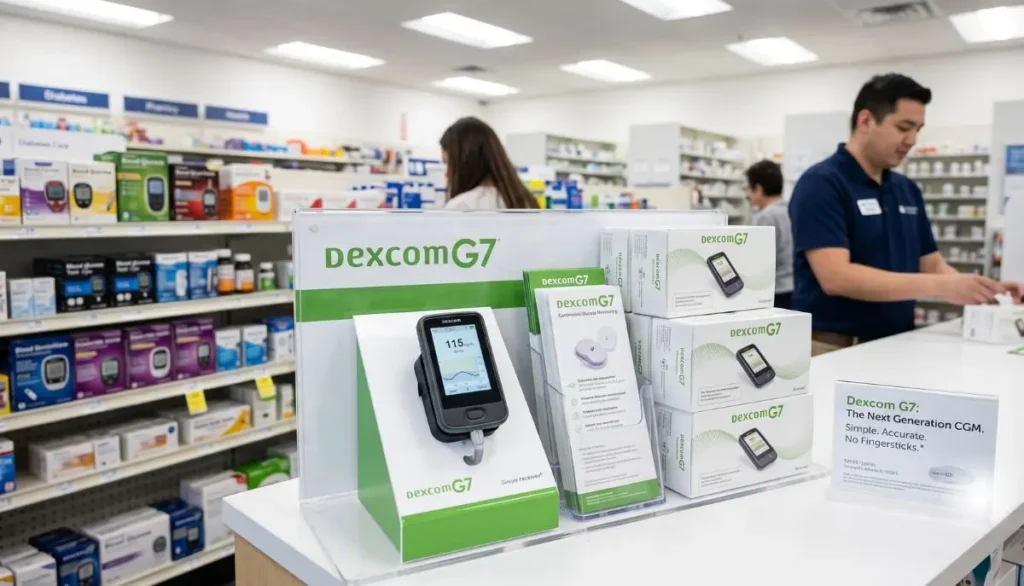
The receiver is designed to work as part of the Dexcom G7 system. It can display glucose readings and alerts, helping users stay informed about their glucose levels throughout the day.
For someone searching for a dexcom g7 receiver near me, understanding what the receiver actually does is the first step before purchasing one.
The phrase “dexcom g7 receiver near me” often represents a very practical need.
You may be searching because:
Whatever the reason, choosing the correct device matters.
It is especially important not to assume that every Dexcom receiver works with every Dexcom sensor generation.
Not necessarily.
One of the most common questions is whether someone must purchase a receiver to use Dexcom G7.
Dexcom states that users have the option to use:
This means a receiver is not automatically required for every Dexcom G7 user.
However, whether you personally need one depends on your equipment, smartphone compatibility, insurance situation, and healthcare needs.
For example, someone who already has a compatible smartphone may prefer the app. Another person may feel more comfortable carrying a dedicated receiver.
There is no single solution that is right for everyone.
A smartphone is convenient, but a dedicated receiver can offer several advantages.
Some people prefer keeping their diabetes management separate from their everyday smartphone.
A dedicated receiver gives you another way to view your glucose information.
This can be especially convenient if your phone battery is low, you are using another phone, or you simply prefer a separate device.
Not every smartphone is compatible with every CGM application.
Dexcom regularly updates its list of compatible smart devices. Dexcom also recommends the redesigned G7 receiver for people whose smart device is not currently compatible with the G7 app.
Before purchasing a receiver or relying on your phone, check current compatibility information.
For some users, simplicity matters.
Instead of opening multiple phone applications or changing smartphone settings, a dedicated receiver provides a device specifically intended for glucose monitoring.
That straightforward experience can be reassuring, especially for people who are new to CGM technology.
Some users like having both a smartphone and receiver available.
Dexcom allows G7 users to use the receiver and compatible smart devices together, depending on their setup.
Having options can make diabetes management more flexible.
When searching for a dexcom g7 receiver near me, do not focus only on distance.
A nearby supplier may be convenient, but you should also consider whether the supplier can help with the type of product you need.
Here are several things to check.
First, make sure the receiver is intended for Dexcom G7.
A Dexcom G6 receiver is not compatible with Dexcom G7 sensors. Dexcom specifically states that G7 uses a redesigned receiver.
This is one reason it is important to verify the product before ordering.
Medical supplies are different from ordinary consumer products.
A knowledgeable medical supply provider can help you understand product availability, ordering requirements, insurance questions, and related diabetes supplies.
Coverage can vary by insurance plan.
If you are planning to use insurance, ask the supplier what documentation may be needed.
Dexcom states that people seeking to obtain a receiver through insurance should contact their Dexcom supplier or have their healthcare provider prescribe the receiver to their pharmacy.
If you need the receiver quickly, ask whether it is currently available before making a trip.
Product inventory can change.
For people who cannot easily visit a medical supply store, delivery can be an important consideration.
A medical supplier serving your area may be able to provide convenient delivery depending on product availability, insurance requirements, and location.
If you are located in or around Floral Park and the greater New York area, Alfa Healthcare Supply Inc is a local medical supply store at 261-12 E Williston Ave, Queens, NY 11001.
You can also visit the Alfa Healthcare Supply website to explore available medical supplies and contact the supplier about current product availability.
When looking specifically for a dexcom g7 receiver near me, it is a good idea to contact the supplier before visiting to confirm the exact product you need.
One of the biggest decisions for a G7 user is whether to use the receiver or smartphone app.
Here is a simple comparison:
| Feature | Dexcom G7 Receiver | Compatible Smartphone |
| Dedicated glucose device | Yes | No |
| Requires compatible phone | No | Yes |
| Portable | Yes | Yes |
| Displays glucose data | Yes | Yes |
| Can provide alerts | Yes | Yes |
| Uses phone battery | No | Yes |
| Can be used as dedicated device | Yes | No |
| Requires app installation | No | Yes |
The best option depends on your lifestyle and personal preferences.
If you like using your smartphone and have a compatible device, the app may be convenient.
If you prefer a dedicated medical device, the receiver may be a better fit.
No.
This is an important distinction.
Dexcom states that the Dexcom G6 receiver is not compatible with Dexcom G7 sensors. The G7 uses a redesigned receiver with a smaller design and an easier-to-read display.
So, if you are searching for a dexcom g7 receiver near me, make sure the listing or supplier specifically identifies the product as a G7 receiver.
Do not purchase a used or older Dexcom receiver simply because it looks similar.
When in doubt, verify compatibility with your healthcare provider, diabetes care team, or supplier.
Yes.
Dexcom states that the Dexcom G7 15 Day CGM system uses the same receiver as the Dexcom G7 system. Existing G7 receivers may require a software update to work with the G7 15 Day system.
This is useful information for people who already own a G7 receiver.
Instead of automatically assuming that a new receiver is needed, check whether your existing receiver can be updated.
Dexcom provides instructions for updating the receiver through Dexcom Clarity.
Medicare coverage can have specific requirements.
Dexcom states that a receiver is required for Medicare coverage of its CGM system, with the receiver used along with a smart device to receive Medicare benefits for CGM.
If you have Medicare, do not assume that you can simply choose the smartphone-only option.
Your individual coverage and eligibility should be confirmed with your healthcare provider, Medicare plan, or medical equipment supplier.
If you are a new patient, Dexcom says the receiver may be provided through a medical device supplier.
This is one reason searching for a reliable dexcom g7 receiver near me can be particularly important for Medicare beneficiaries.
According to Dexcom’s setup information, the receiver package includes the receiver, USB cable, and power adapter.
Remember that the receiver is part of the larger CGM system.
Depending on what you are purchasing, the receiver may not automatically mean that you have everything needed to start a new CGM session.
The sensor and receiver are different components.
Always review the product description and package contents before ordering.
The basic idea is straightforward.
The Dexcom G7 sensor collects glucose information and communicates with a compatible receiving device.
The receiver displays glucose information so that you can monitor your readings and trends.
The system can also provide alerts for certain glucose conditions. Dexcom lists features such as customizable high and low alerts, urgent low alerts, and other alert settings.
The exact setup and available features can depend on the product version, software, region, age, and other factors.
Always follow the official Dexcom instructions for your particular system.
Dexcom G7 is designed to provide continuous glucose monitoring rather than requiring users to manually test glucose at every moment.
Dexcom describes G7 as a CGM system that provides real-time glucose information and can show glucose data on a smartphone, smartwatch, or dedicated receiver.
Potential advantages include:
Rather than relying only on occasional fingerstick readings, CGM technology provides ongoing information from the sensor.
The system can help users understand whether glucose is moving upward, downward, or remaining relatively stable.
Alerts can notify users about certain glucose conditions.
Depending on compatibility and system configuration, users can view information through a receiver or compatible smart device.
Dexcom also offers connected tools such as Dexcom Clarity for sharing glucose information with healthcare professionals.
Dexcom’s product information states that the G7 receiver battery can last for up to seven days on a single charge.
Actual battery performance can vary depending on use and other factors.
To keep your receiver ready, charge it according to the manufacturer’s instructions.
If you notice unusual battery behavior, charging problems, or other technical issues, consult Dexcom’s official support resources rather than attempting to repair the medical device yourself.
Searching online for “dexcom g7 receiver near me” can bring up many results, but not every listing is necessarily suitable for your needs.
Use these practical tips.
Look specifically for the Dexcom G7 receiver.
Avoid confusing G7 with G6.
Call or contact the supplier before traveling.
Ask whether the receiver is currently available.
If you are using insurance, ask what documentation or prescription requirements apply.
If you already have a sensor or G7 system, make sure the receiver is compatible with your version.
If visiting a store is difficult, ask whether delivery is available to your location.
Medical devices should come from a reliable source.
Be cautious with unknown marketplace sellers, especially when product authenticity, warranty, storage, or return policies are unclear.
Buying a medical device is different from ordering an everyday household product.
A local medical supply provider can give you a place to ask questions and discuss practical ordering concerns.
For someone searching “dexcom g7 receiver near me,” local access may also make it easier to communicate about insurance, prescriptions, availability, delivery, and related diabetes supplies.
Alfa Healthcare Supply serves customers looking for a range of medical equipment and healthcare supplies in the New York area.
You can explore the Alfa Healthcare Supply online store and contact the company to ask about current Dexcom G7 receiver availability.
If you live in New York, searching by location can make it easier to find a medical supply provider.
People in communities around Queens, Long Island, Brooklyn, Bronx, Manhattan, Westchester, and other parts of New York may look for terms such as:
However, local search results can change frequently.
Always confirm the supplier’s current location, hours, inventory, and delivery options before visiting.
If your smartphone is compatible with Dexcom G7, you may not need a receiver.
Dexcom provides an app for compatible iOS and Android devices.
But compatibility is only one part of the decision.
You may still prefer a receiver because:
There is nothing wrong with choosing the option that fits your routine best.
This is one situation where a receiver can become particularly useful.
Dexcom recommends checking its current compatibility list because supported devices can change over time.
If your smartphone is not supported, a dedicated G7 receiver may provide an alternative way to view your CGM information.
Before buying, however, verify the receiver model and confirm that it works with your specific Dexcom G7 system.
If you are unsure whether you need a receiver, consider this simple checklist.
A Dexcom receiver is a medical device, so it should be used according to the manufacturer’s instructions.
CGM readings can be extremely useful, but you should understand your system’s instructions, alerts, limitations, and recommended response procedures.
Do not make major medication or insulin decisions based solely on general information from an online article.
If your glucose readings do not match how you feel, follow your healthcare professional’s guidance and the instructions provided with your CGM system.
For official product instructions and training materials, Dexcom provides G7 user guides and receiver guides.
Searching for a dexcom g7 receiver near me is about more than finding the closest store.
You want to make sure you are getting the correct receiver, from a reliable medical supply source, with the right information about compatibility, insurance, prescriptions, availability, and delivery.
The Dexcom G7 receiver can be a convenient option for people who want a dedicated device for viewing their CGM information. Dexcom confirms that users can choose a receiver, compatible smartphone, or both depending on their setup.
If you are located in or around the New York area, Alfa Healthcare Supply Inc can be a local starting point for your medical supply needs. Before placing an order or visiting, contact the supplier to confirm current availability of the specific Dexcom G7 receiver you need.
For diabetes management, small conveniences can make a real difference. Having a device that fits naturally into your daily routine can make it easier to stay informed, prepared, and confident about monitoring your glucose.
Looking for a Dexcom G7 receiver near you? Visit Alfa Healthcare Supply Inc. to explore available diabetes and medical supply products, or contact the supplier to ask about Dexcom G7 receiver availability, ordering, insurance, and delivery.
Not everyone needs one. Dexcom says G7 can be used with the compatible app, the receiver, or both.
No. The Dexcom G6 receiver is not compatible with Dexcom G7 sensors.
If you are in the New York area, you can contact a local medical supply provider such as Alfa Healthcare Supply Inc. to ask about current availability, ordering requirements, and delivery options.
Dexcom states that a receiver is required for Medicare coverage of its CGM system, subject to the applicable coverage requirements.
Yes. Dexcom states that the G7 15 Day system uses the same receiver, although an existing receiver may need a software update.
Dexcom states that the receiver battery can last up to seven days on a single charge.
Yes. Dexcom says users can use the compatible app, the receiver, or both simultaneously.
Requirements can depend on how the receiver is being obtained and your insurance. Dexcom recommends contacting a supplier or having your healthcare provider prescribe the receiver to your pharmacy when using insurance coverage.
Be cautious. Before purchasing any used medical device, consider compatibility, condition, authenticity, warranty, software, and supplier reliability. A reputable medical supply provider may be a safer option.
Dexcom maintains a current compatibility list for supported smartphones. Check the manufacturer’s compatibility information before relying on your phone for CGM monitoring.
Medical disclaimer: This article is for general educational purposes and does not replace advice from your physician, diabetes care team, pharmacist, insurer, or the official Dexcom instructions. Product availability, compatibility, insurance coverage, and requirements can change. Always verify current information before purchasing or using a medical device.