


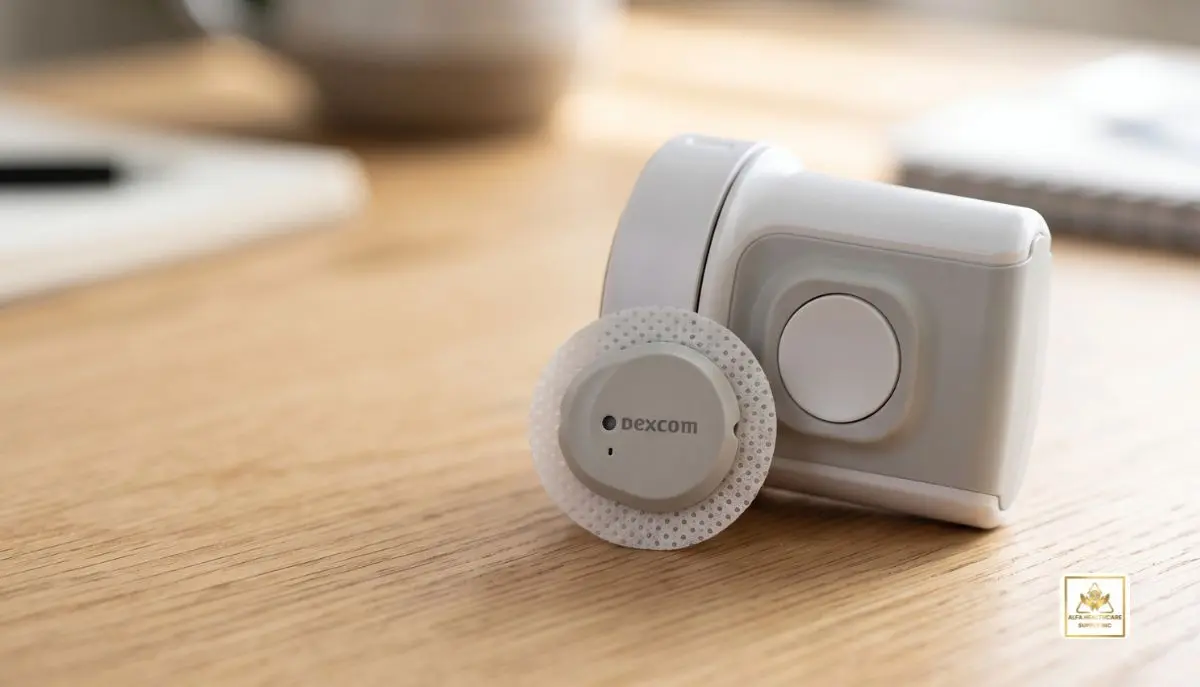
Eventually, if you’re using a continuous glucose monitor (CGM), you might wonder: What happens when Dexcom G7 sensor expires? The simple answer is the sensor itself ceases to give glucose readings once it has reached the end of its approved wear period and grace period. When it happens, you should change it for a new sensor to keep getting CGM readings and alerts.
With the standard Dexcom G7, the sensor can be worn up to 10 days with a 12-hour grace period. In that grace period, the sensor will still operate normally, but will provide additional time for changing the sensor.
At Alfa Healthcare Supply Inc., we know how vital it is to replace diabetes supplies when it’s needed. This guide will inform you on what you can do when your Dexcom G7 sensor expires, what the Dexcom G7 sensor expiration alert means, and how to proceed if it expires.
What Does It Mean When a Dexcom G7 Sensor Expires?
When people ask what happens when Dexcom G7 sensor expires, they may be talking about two different things:
- The wear period of a sensor that is already being used.
- The expiration date printed on an unused sensor package.
These are not the same situation.
The Dexcom G7 sensor session is up to 10 days. Dexcom will then give you 12 hours’ grace period after the session ends. This grace period allows the sensor to continue to give readings and alerts.
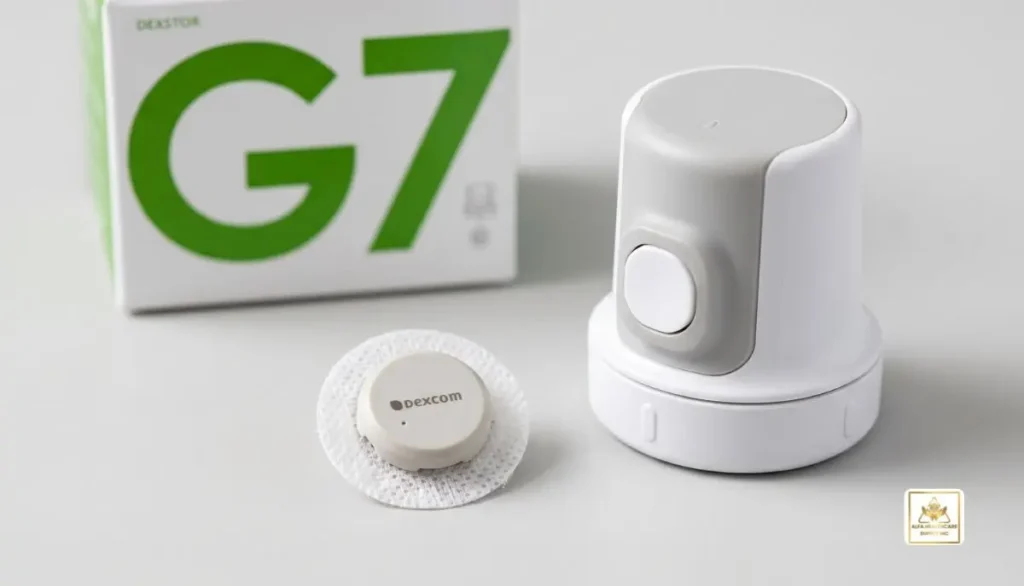
At the end of the grace period, if the sensor has not been replaced, the sensor session automatically ends. You must then commence a new sensor session, using a new sensor.
What Happens When Dexcom G7 Sensor Expires After 10 Days?
The standard Dexcom G7 will last up to 10 days. The system starts the grace period of 12 hours after the 10 day sensor session is completed.
One of the handy features of the Dexcom G7. It is not required to change out the sensor right on the 10th day. The grace period provides extra time to select a convenient time for changing your sensor.
During the grace period:
- The sensor can continue sending glucose readings.
- Your alerts can continue working.
- Your app or receiver will notify you that the sensor is nearing the end of its use.
- You can replace the sensor during the grace period.
- You can wait until the grace period ends if necessary.
After the grace period, the sensor session ends and a new sensor is required.
So, when Dexcom G7 sensor expires, the key thing to remember is that there is no set time at which the sensor becomes unsafe at the 10 day mark. Dexcom’s standard G7 offers a 12-hour grace period.
Does Dexcom G7 Stop Working After the Grace Period?
Yes. Once the grace period is over the sensor must be replaced in order to receive glucose readings and alerts again.
Once the G7 sensor session and grace period is over, you must begin a new glucose sensor session to get glucose data and alerts.
That’s where having an up-coming sensor on hand is useful before the current sensor has completed its session.
When you need to use CGM readings all day and all night, having a plan for changing your sensor can help you avoid an interruption in monitoring.
Can You Restart an Expired Dexcom G7 Sensor?
A typical question that comes with Dexcom G7 sensor expiry is whether the same sensor could be restarted.
The answer to Dexcom G7 is no. Dexcom says that once the sensor session is over, the sensor can’t be restarted.
The conclusion of the approved sensor session and grace period means that you should not try using your G7 sensor for another session in practical use.
Instead:
- End the old sensor session if necessary.
- Remove the expired sensor.
- Prepare a new sensor.
- Follow the Dexcom G7 instructions for starting a new sensor.
- Wait for the new sensor’s warm-up period.
- Continue monitoring your glucose through your compatible display device.
Following the manufacturer’s instructions is important for getting dependable CGM performance.
What Happens to Your Glucose Readings When the Sensor Expires?
When the G7 sensor and grace period have expired, the sensor will no longer transmit the continuous CGM data that was coming from that sensor.
This does not indicate that a sensor that is no longer in use should be used to get the most recent glucose readings.
If you are unable to use your replacement sensor immediately, use your health care professional’s advice for glucose monitoring. If using a blood glucose meter has been prescribed to you when no CGM readings are available, use a blood glucose meter following your care plan.
It’s also worth noting that CGM is not a substitute for professional medical advice, it should be used as an aid to managing diabetes.
How Do You Know Your Dexcom G7 Sensor Is About to Expire?
As the sensor nears the end of its session, the Dexcom G7 system gives notifications.
You can also view your sensor data in the Dexcom app or receiver. The amount of time left on the sensor can be accessed in the system’s sensor information area, says Dexcom.
These notifications are useful so you have time to get ready for the next sensor.
One simple practice is to do a stock check whenever you get a warning about expiration. If one has already replaced the sensor, it can be arranged to coincide with the regular schedule.
What Should You Do When Your Dexcom G7 Sensor Expires?
If your sensor has reached the end of its grace period, the next step is to replace it.
Step 1: Confirm the Sensor Has Ended
Check the Dexcom app or receiver to determine whether the sensor session or grace period has ended.
Step 2: Remove the Old Sensor
Carefully remove the expired sensor according to the manufacturer’s instructions.
Step 3: Prepare Your New Sensor
Use a new, unopened Dexcom G7 sensor and check its packaging before use.
Step 4: Start the New Sensor
Follow the Dexcom G7 setup instructions in your compatible app or receiver.
Step 5: Allow the New Sensor to Warm Up
A new sensor requires a warm-up period before it begins providing readings. Follow the instructions shown by your Dexcom system.
Step 6: Confirm Your Readings and Alerts
Once the new sensor is active, check that your glucose information and alerts are working as expected.
Dexcom specifically recommends ending the previous sensor session or grace period before starting a new sensor.
What If Your Dexcom G7 Stops Working Before 10 Days?
Expiration is not synonymous with premature sensor failure.
If the Dexcom G7 fails to function at the time of the sensor’s expected end of life, you may be able to reach out to Dexcom Technical Support for help.
As of now, Dexcom’s policy regarding sensor replacements is that if there is an indication that a sensor has failed due to not meeting published performance expectations during the sensor’s intended lifetime, Dexcom will replace the sensor per its replacement policy.
The serial number of the sensor might be required when contacting support. Dexcom recommends that this is carried with when reporting an issue with a sensor.
This is an important distinction:
Normal expiration: Replace the sensor at the end of its approved wear period.
Unexpected early failure: Contact Dexcom Support and follow their troubleshooting and replacement process.
Can You Use an Expired Unused Dexcom G7 Sensor?
A second usage of what happens when Dexcom G7 sensor expires is a sensor in the package.
You can tell the expiration date of an unused sensor from the packaging. The use of the sensor should be according to the product labels. Never assume that an unopened sensor can be used for an unlimited number of years, just because it is not activated.
If you find that a sensor has been superseded by the listed expiration date, you should contact the relevant supplier or manufacturer for advice instead of using the sensor.
Safe and reliable use of diabetes technology includes using supplies as directed by the labels.
Dexcom G7 vs. Dexcom G7 15 Day
Also, remember to not mix up the Dexcom G-7 with the newer Dexcom G7 15 Day system.
The standard Dexcom G7 has an up to 10 day indication with a 12 hour grace period. The Dexcom G7 15 Day should be used for up to 15 days with a grace period of 12 hours.
So, it depends on which G7 product you use what happens after the Dexcom G7 sensor expires.
Always refer to the specific product name and directions included in the package with your sensor.
Why You Should Not Try to Extend Sensor Use
When supplies are costly or a replacement CGM sensor isn’t on hand, it can be easy to want to try to fit in an additional day with the sensor.
The Dexcom claims that the G7 can’t be restarted once the sensor session ends.
Using a sensor outside of its written wear period may also indicate that you’re using your sensor outside of the conditions it was tested under.
Do not attempt to prolong the sensor’s life; take advance planning steps for replacing them and have the necessary backup glucose monitoring supplies on hand as recommended by your health care professional.
How to Avoid a Gap Between Dexcom G7 Sensors
A little planning can make sensor changes much easier.
Consider these simple habits:
- Keep track of the date your current sensor was started.
- Pay attention to Dexcom expiration notifications.
- Keep your next sensor available before the current sensor ends.
- Check your supplies regularly.
- Store sensors according to the manufacturer’s instructions.
- Keep a backup blood glucose meter and supplies if your healthcare professional recommends them.
- Contact your supplier early if you need to arrange a refill.
For many people, having the next sensor ready makes the transition much less stressful.
Final Thoughts
Knowing what happens when Dexcom G7 sensor expires can make the process of changing them easier and prevent catch up unknown gaps in glucose monitoring.
The Dexcom G7 sensor can be used for up to 10 days followed by a grace period of 12-hours. After this time, the sensor session is over and it is necessary to begin a new session using a different sensor. G7 is not designed to be restarted after the session has ended.
At Alfa Healthcare Supply Inc., we believe patients and caregivers should have clear, easy-to-understand information about the medical supplies they use. Always follow the current Dexcom instructions and your healthcare professional’s recommendations for glucose monitoring and diabetes management.
Frequently Asked Questions
What happens when Dexcom G7 sensor expires?
The standard Dexcom G7 provides up to 10 days of sensor use followed by a 12-hour grace period. After the grace period, the sensor session ends and you need a new sensor for continued CGM readings and alerts.
Can I use my Dexcom G7 after the 12-hour grace period?
You should not continue using the sensor as an active CGM sensor after the grace period. Dexcom says a new sensor is required to continue receiving glucose readings and alerts.
Can I restart my expired Dexcom G7?
No. Dexcom states that the G7 sensor cannot be restarted after the sensor session is complete.
How long does a standard Dexcom G7 sensor last?
The standard Dexcom G7 is designed for up to 10 days, followed by a 12-hour grace period.
What should I do if my G7 fails before 10 days?
Contact Dexcom Technical Support. If Dexcom determines that the sensor failed because it did not meet its published performance expectations during its intended lifetime, it may be eligible for replacement under Dexcom’s replacement policy.
Is Dexcom G7 15 Day the same as regular G7?
No. The Dexcom G7 15 Day is a separate product designed for up to 15 days of wear plus a 12-hour grace period, while the standard G7 is designed for up to 10 days plus 12 hours.
Medical disclaimer: This article is for general educational information and is not a substitute for medical advice, diagnosis, or treatment. Product availability, indications, and instructions can vary. Always follow the manufacturer’s current labeling and consult your healthcare professional with questions about your individual diabetes care.